

Put a reel on your website without slowing it down
Make your reel light enough for a web page, then add it so it plays the moment someone reaches it, with the full version one click away. One prompt does it on a coded site; a free app does it on any other.
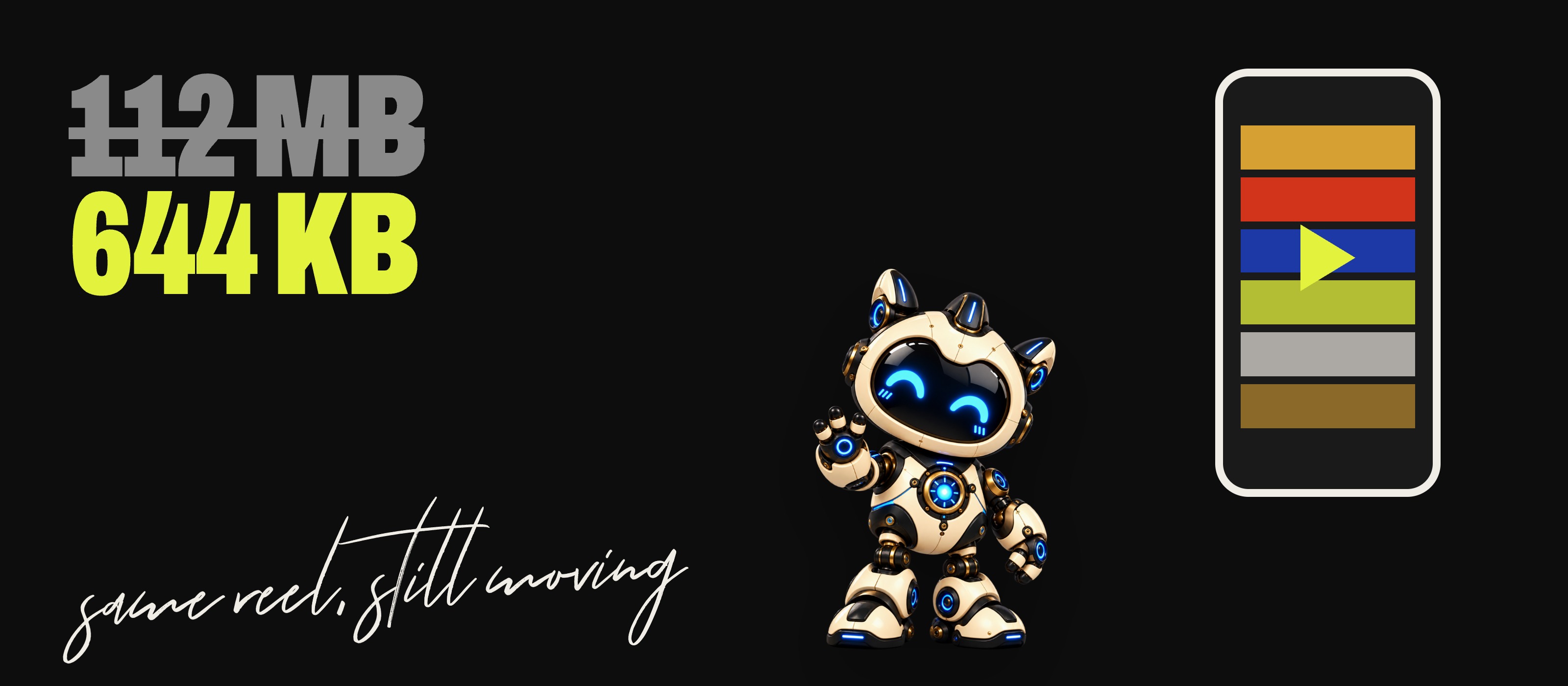
A reel straight out of your editor is far too heavy for a web page. One of ours left the edit at 112 MB. On this site the same reel plays as a 644 KB loop that starts moving the moment you reach it, with the full reel one click away.
You do not need to know any code to do this. Start with the easy way. The steps below show exactly what the helper does, if you would rather do it yourself.
The quickest way
Pick your AI. We copy the helper prompt (the message that sets it up) and open it for you.
ChatGPT starts on its own, no account needed. In the others, if the message box is empty, press and hold it, choose Paste, and press send.
Tell it what your site is built with (Squarespace, Wix, Shopify, WordPress, or "someone coded it"). It walks you through the right path, one small step at a time.
The zip has the one prompt for coding helpers and every command we used, for the curious.
Download the zip Free, 3 KB zip
or copy the helper prompt
You're my patient helper. I might be new to this, so use simple everyday words and give me one step at a time. Wait for me after each step. If my screen doesn't match what you describe, help me with what I actually see.

The goal: put a video (a Reel or short video) on my website so it plays well and the page still loads fast, especially on phones.

1. Ask me what my site is built with: Squarespace, Wix, Shopify, WordPress, something else, or "someone coded it". Also ask how big my video file is, and show me how to check that if I don't know.
2. Help me make the file smaller with HandBrake (free, handbrake.fr): download it, open my video, choose the preset "Fast 720p30", press Start. Tell me where the new file will be saved.
3. If my site uses a website builder, walk me through adding a video block on that exact builder, uploading the smaller file, and turning on autoplay, mute and loop if I want it moving. Ask what I see if their buttons look different.
4. If my site is coded, tell me to open Claude Code or Codex in my site's folder, put the video there, and paste this:
   "Add the video file in this folder to my home page. Make a small silent loop of about 8 seconds that plays only while it's on screen, a poster image for while it loads, and a link to the full version with sound on its own page. Keep the page fast and make it work on iPhones."
5. Finally, help me check it on my phone with wifi off. If it's slow, help me make the file smaller.

Start with step 1.
Step by step
1 Export one master file
Export the reel from your editor at its final size, as an MP4 or MOV. Everything else is made from this one file, so keep it safe.
2 Make it light enough for the web
This is the version people watch with sound. 720 pixels wide stays sharp on a phone and cuts the size by about three quarters. Ours went from 112 MB to 25.6 MB.
Free, no code: open HandBrake, open your reel, choose the preset "Fast 720p30", and press Start.
3 On Squarespace, Wix, Shopify or WordPress
Add a video block where you want it and upload the smaller file. Switch on autoplay, mute and loop if you want it moving as people scroll; browsers only autoplay video with no sound. Link it to a page with the full version and sound on.
4 On a coded site: one prompt does it all
Open Claude Code or Codex on your website's folder, drop the reel file in, and paste this. It makes the full version, an 8-second silent loop (ours is 644 KB), a poster picture for while it loads, puts the loop on your page so it plays only while it's on screen, and links it to the full reel.
No coding helper? The exact commands we used are in the zip, with what each part does.
The one prompt
Add the reel file in this folder to my home page. Make a small silent loop of about 8 seconds that plays only while it's on screen, a poster image for while it loads, and a link to the full version with sound on its own page. Keep the page fast and make it work on iPhones.5 Check it on your phone
Open the page on your phone with wifi off. It should start moving as soon as you scroll to it. If it's slow to start, make the loop shorter or smaller.
Is it a good idea for page performance to put a full screen short background video on my landing page?
Yes, if the file is made light for the web first and only plays when someone reaches it. Export one master, compress a small web version, and load it so the page stays fast, with the full video one click away. Our guide does this with a free app or one prompt.
How do I add a large size video in websites without losing speed?
Never upload the original. Make a light web copy first: HandBrake does it free for Squarespace, Wix, Shopify or WordPress, and one prompt in Claude Code or Codex does it on a coded site. Then let it start when someone reaches it and check it on your phone.
Good to know
- Keep each loop under about 1 MB.
- Pick loop moments with motion in them.
- Link every loop to the full reel with sound.
- Captions burned into the video are hard to read when small, so pick a stretch without them.
- iPhones need a video to be muted and set to play inline, or it jumps to full screen. The one prompt handles it.
What you'll have
Your reel moving on your site, with a page that still opens fast.
Part of Make an AI reel: step 4 of 4